Free · iPhone · iPad
Two pads. One finger. Instant music.
Sylvaris Sapling is a synthesizer you can play the moment it opens. Chords in a key you choose, a sound that moves as you slide, and a looper for what you play.
Best on iPhone 13 or later, and iPad mini (6th generation) or newer
- synth voices
- 12
- ready-made sounds
- 16
- short steps in the guided tour
- 24
- ads, accounts or in-app purchases
- 0
How it plays
Every touch sounds musical.
-
01 · PICK A KEY
Touch a chord
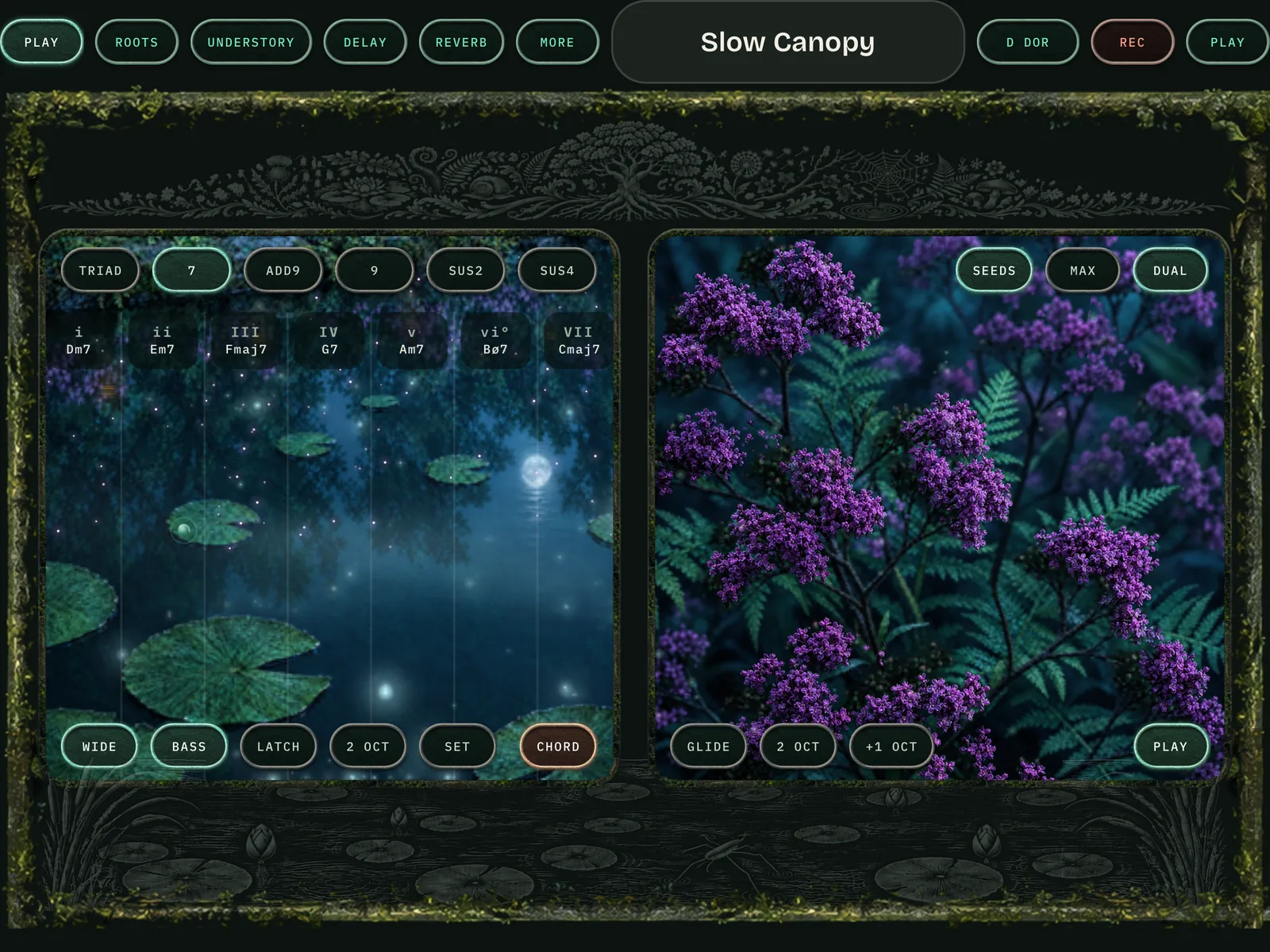
Two big pads play chords in a key you choose, or single notes in a scale. There are no wrong notes to find.
-
02 · SLIDE
Shape it with your hand
Slide a finger on a pad and the sound moves with it: filter, pitch, delay, reverb and more answer to your hand.
-
03 · LOOP
Play over yourself
One button records a part. Play it back and play over the top, or let SEEDS turn the chord you hold into a flowing line.
Chord pad
A whole key under one hand.
Every column is a chord in the key you pick. Choose triads, sevenths, add9 or suspended chords, add a bass note, and latch a chord to keep it ringing.
SEEDS
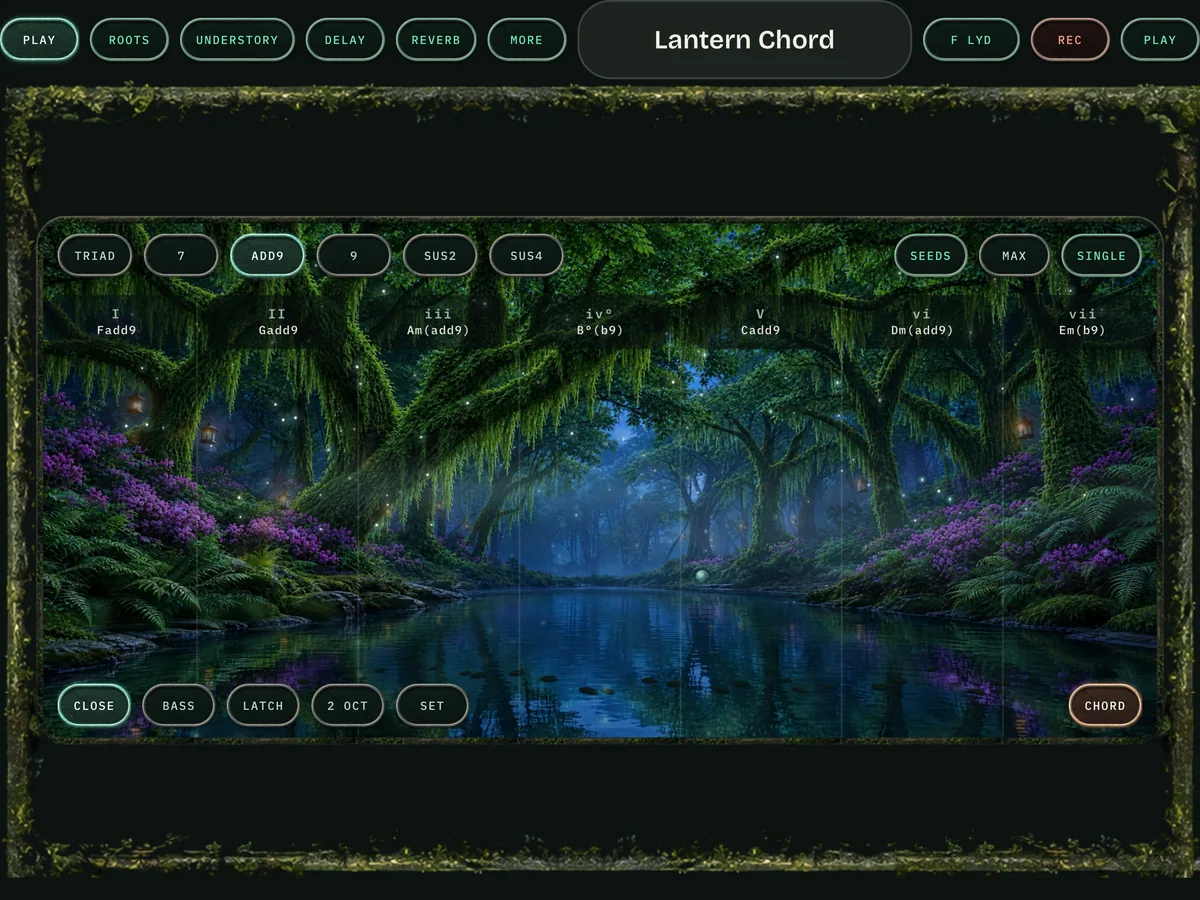
Hold a chord. Hear a melody.
SEEDS is a phrase maker that turns the chord you hold into a flowing line. Hold it, or latch it and let it run while you change the sound.
The sound
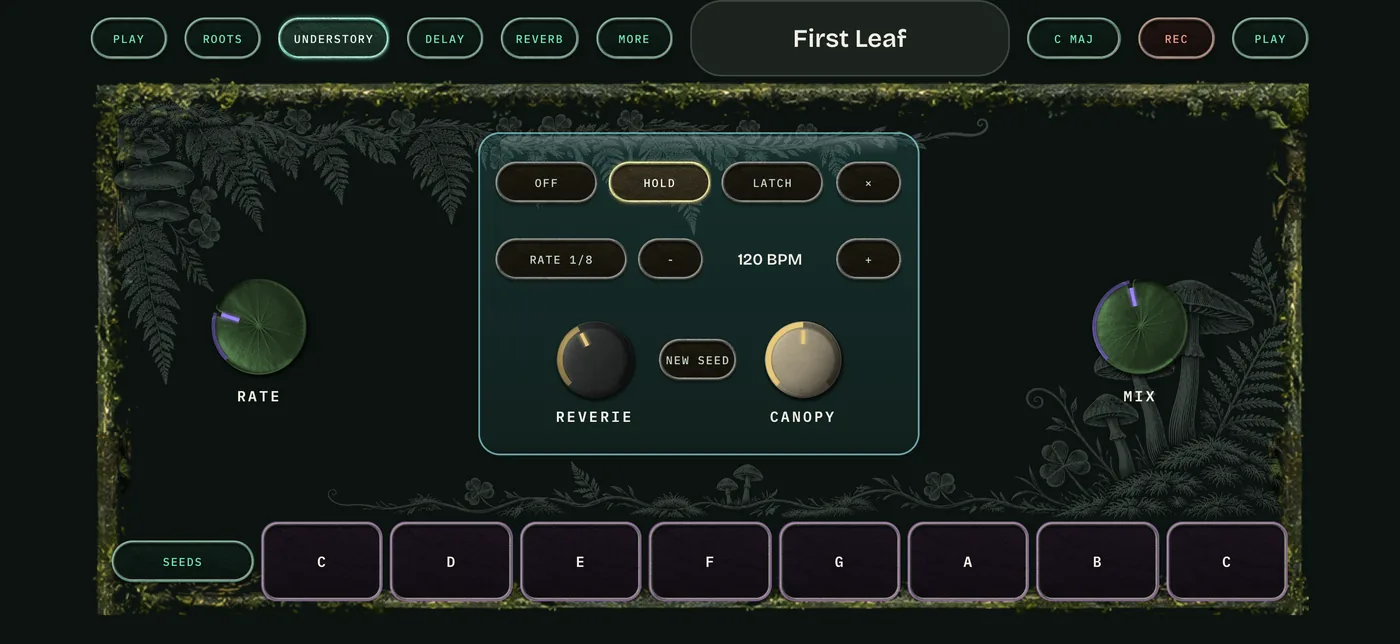
Twelve voices, from analog to bells.
Analog, FM, wavetable, strings, chords, modal bells, chiptune and more, through a filter and effects section with nine modes, then delay and reverb.
- low-pass
- high-pass
- tape
- chorus
- phase
- tremolo
- doubler
- crush
Sounds
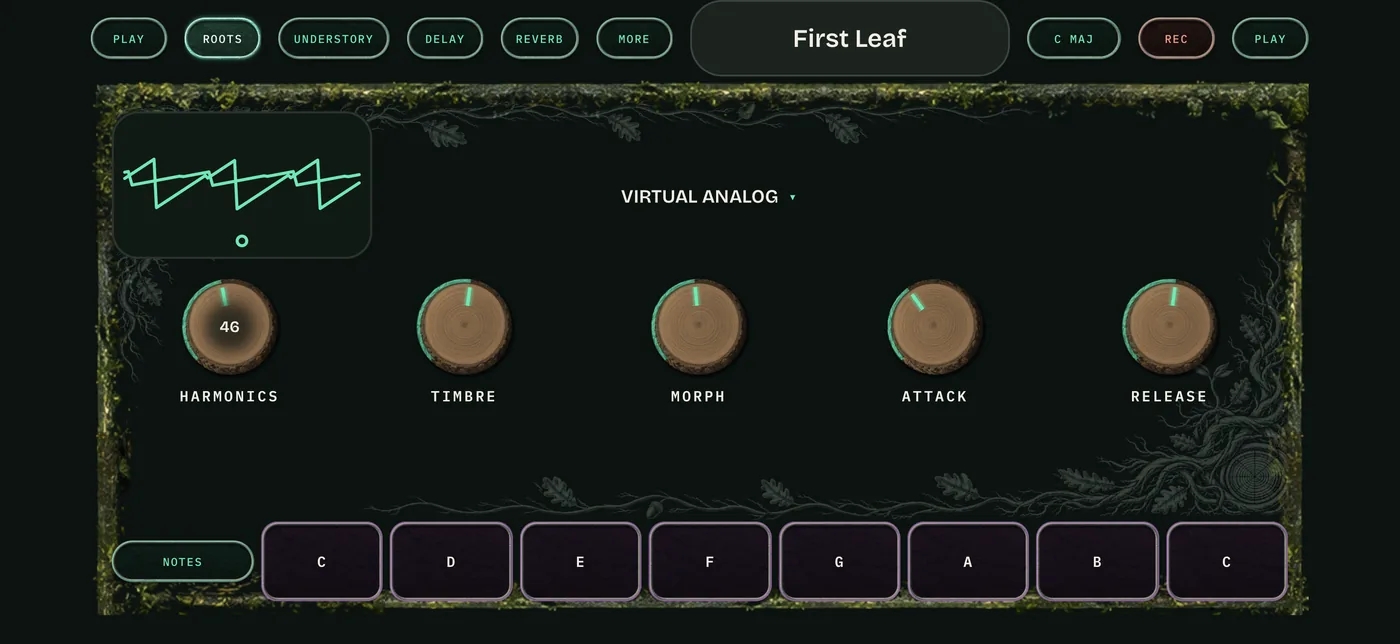
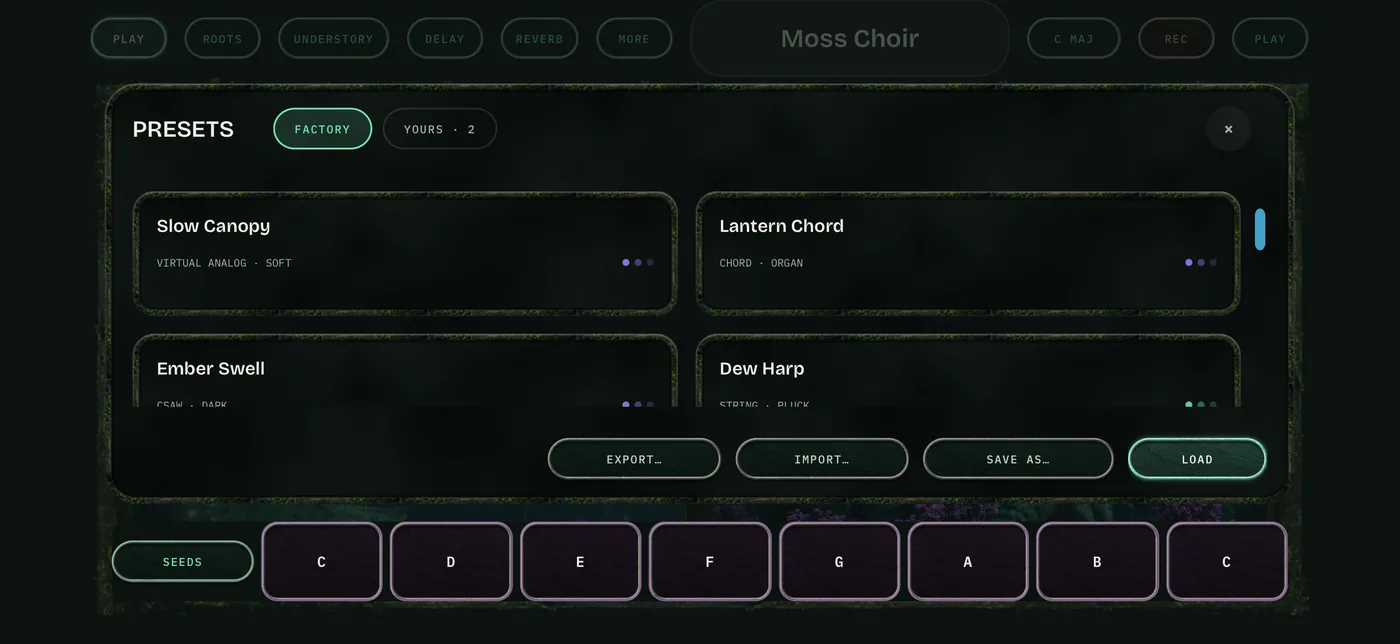
Sixteen sounds to start from.
Save your own, and import and export them. Sounds you save in Sapling open in Sylvaris, so nothing you make is left behind when you move up.
Also in the app
Built for touch.
- MIDI keyboards
Play it from a keyboard over USB or Bluetooth.
- A guided tour
Twenty-four short steps show you how to play, one action at a time.
- Big controls
Landscape, with controls made for fingers, not a mouse.
- Nothing in the way
No ads, no account and no in-app purchases.
Grow into it
The starter edition of Sylvaris.
Sapling runs on the Sylvaris engine. When you want the whole forest, the full instrument is waiting on iPad, Mac and Windows. Sylvaris for iPad is on the App Store.

Questions
Before you plant it
Is it really free?
Yes. No ads, no account and no in-app purchases. The app asks for an email address in one place only, and only if you want to hear when the full Sylvaris launches.
Which iPhone or iPad do I need?
It runs best on iPhone 13 or later, and on iPad mini (6th generation) or newer.
Can I play it with a keyboard?
Yes. Connect a MIDI keyboard over USB or Bluetooth.
Will my sounds work in Sylvaris?
Yes. Sounds you save in Sapling open in Sylvaris, the full instrument for iPad, Mac and Windows.
Questions or feedback?
Write to chris@greenlitaudio.com.